Traditionally, member portals for associations were built for basic administrative tasks. Members logged in to pay their dues or update their personal profiles. However, members today are looking to get more out of these portals, including access to vibrant communities, premium resources, networking opportunities, and experience the ongoing value of belonging to their association.
Investing in a modern membership portal will help you bring these key resources together on one platform, helping members see the tangible value of their memberships.
In this guide, we’ll explore everything you need to know about member portal software, from which features to look for to the top providers to consider:

- Member Portal Software FAQ
- What to Look for in Member Portal Software
- How to Choose Your Member Portal Software
- Top 5 Member Portal Software Providers for Associations

Member Portal Software FAQ
What is member portal software?
Member portal software is a dedicated online hub where association members log in to manage their accounts, update their profiles, pay dues, register for events, and access exclusive content. Association leaders can leverage these platforms to consolidate communication channels and foster community interactions.
What’s the difference between a member portal, association management software, and a member engagement platform?
Association management software (AMS), member portal software, and a member engagement platform serve distinct but complementary purposes within your association’s technology stack:
- An AMS primarily supports the administrative side of membership, including member records, dues, transactions, renewals, and operational workflows.
- Member portal software provides a secure, self-service interface that directly connects your members to the personalized data, tools, and exclusive benefits housed within your AMS.
- A member engagement platform is where members facilitate discussions, host events, and access educational resources. In other words, it’s the broader infrastructure for continuous engagement.
Increasingly, associations are looking beyond standalone tools toward a unified engagement infrastructure that connects these experiences and the engagement signals they generate.
What are the benefits of member portal software?
Using member portal software for your association offers many benefits, such as:
- Self-service convenience: Members can independently update their contact information, renew memberships, pay dues, and more.
- Automated administration: When members can manage renewals and event registrations themselves, your staff doesn’t have to handle these routine administrative tasks.
- Centralized communication: Portals provide a dedicated hub for announcements, newsletters, and direct messaging, making important association updates easier for members to find.
- Enhanced community engagement: Many portals feature built-in directories, discussion forums, and networking tools that allow members to connect, collaborate, and share resources, and participate beyond scheduled association activities. Additionally, portals can securely host and gate premium resources, ensuring members can easily access them while keeping them exclusive.
- Data and analytics: Modern platforms can help associations understand how members interact with content, events, learning, and other experiences. These signals can help staff identify participation trends, uncover disengagement earlier, and make more informed decisions about programming and outreach.
Member portal software streamlines your association’s operations and continuously delivers value to members, improving member retention and engagement over time.
Do you need a separate association website and a member portal?
In most cases, an association website and member portal serve different purposes, even if they are closely integrated. Your public website typically helps prospective members understand your organization, discover programs, and decide whether to join. Your member portal provides authenticated members with access to personalized resources, services, and experiences.
The goal is less about whether these experiences technically live in separate systems and more about ensuring members can move between them without unnecessary friction.
What to Look for in Member Portal Software
A long feature list does not necessarily create a better member experience. As you compare platforms, prioritize capabilities that remove friction for members, connect with your existing systems, and help your team understand how members are engaging.
When evaluating a member portal software for your association, you need to look for options with essential features that make member management seamless, such as:
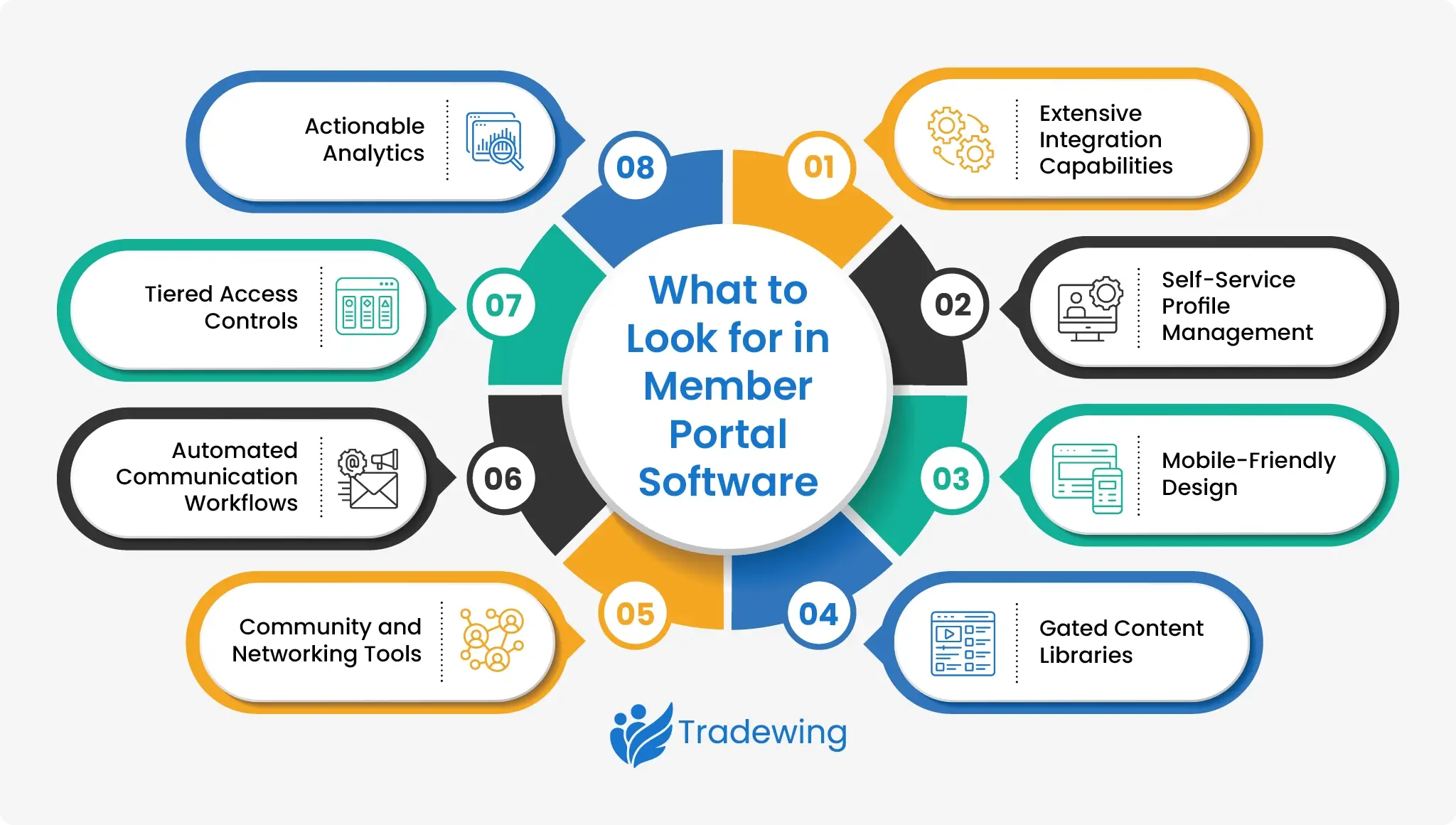
- Extensive integration capabilities: The portal should integrate with your other association tools (e.g., AMS, CRM, marketing software, etc.) so that data syncs seamlessly. For example, when a member updates their email in the portal, it should automatically update in your AMS to prevent data silos.
- Self-service profile management: Members must be able to independently update their contact details, manage their directory privacy settings, and view their invoice history.
- Mobile-friendly design: The portal should be fully responsive, recognizing that many members will access it from their smartphones.
- Gated content libraries: You need the ability to lock premium content (e.g., whitepapers, webinars, industry reports) behind the member login. Intuitive search and filtering capabilities also help enhance the member experience.
- Community and networking tools: Integrated discussion forums, secure direct messaging, and searchable member directories are crucial for your association’s long-term growth, as these facilitate peer-to-peer connection between association programs and events
- Automated communication workflows: Built-in triggers streamline your member communication workflows. For example, you can set up onboarding sequences, automated renewal reminders (e.g., 30, 14, and 7 days out), and customized engagement alerts that are triggered when members take a specific action, while allowing staff to respond to relevant member behaviors or milestones.
- Tiered access controls: Your portal needs the ability to automatically show or hide specific content and features based on a member’s specific subscription tier or certification level. This level of personalization helps prevent user overwhelm.
- Actionable analytics: Member portals should include dashboards that track beyond basic login frequency. It should help you understand how members participate across different experiences, like feature usage and content consumption. That way, staff can identify key trends and opportunities, such as which programs are most popular and which members are at risk of lapsing.
How to Choose Your Member Portal Software
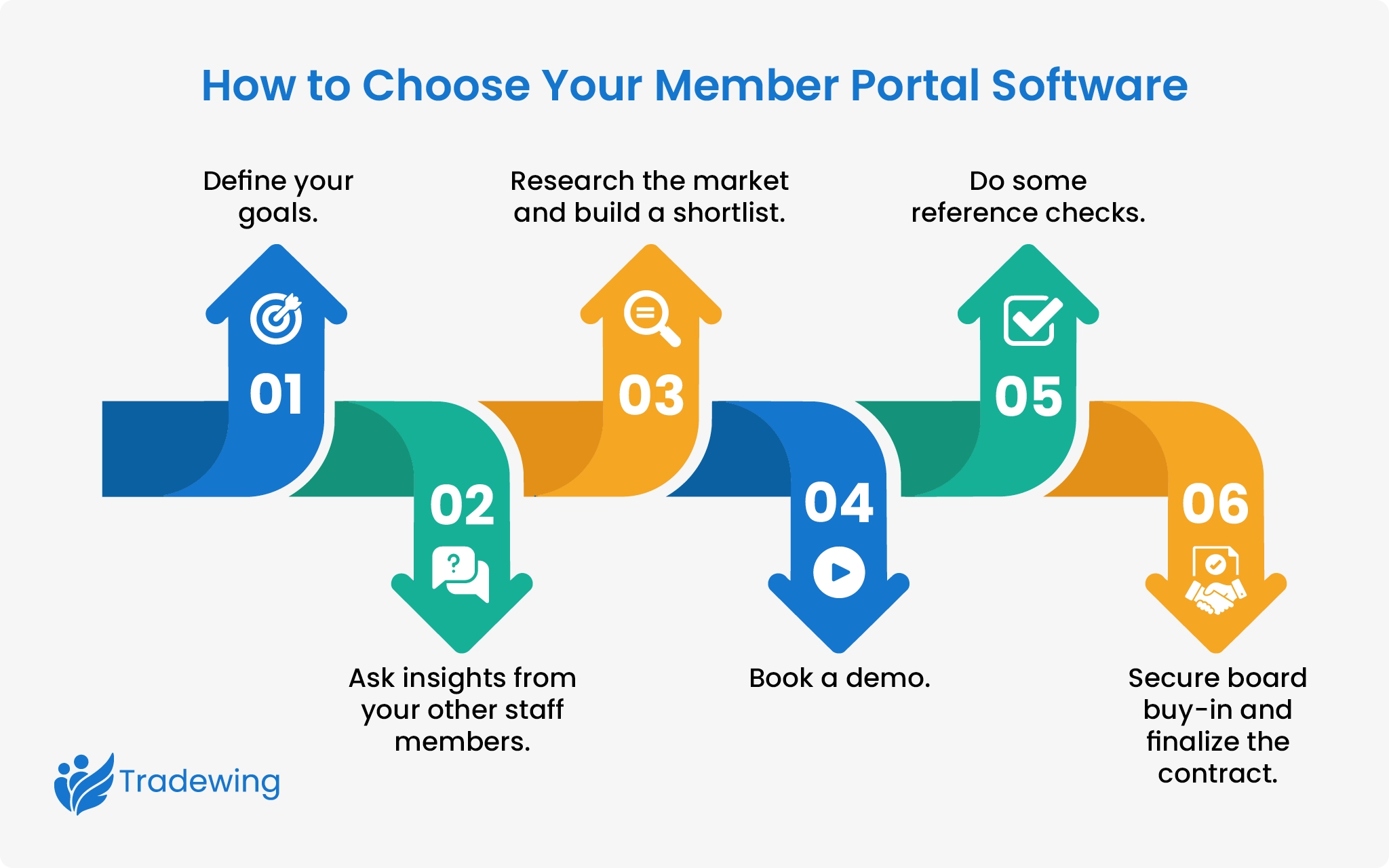
Follow this step-by-step guide to choose the right portal for your association’s needs.
-
- Define your goals. Before looking at your options, outline the specific business problems you are trying to solve. It can also be helpful to ask the following questions:
- What specific member experiences are we trying to improve?
- How will members use this portal?
- Does the platform integrate with our existing technology?
- Does it support networking and year-round engagement?
- How does it measure and report on continuous engagement?
- Gather insights from your other staff members. Get input from the teams in your association, such as membership, finance, marketing, and IT. Uncovering each department’s daily pain points early prevents buying software that works for one team but fails another.
- Research the market and build a shortlist. Research platforms that specialize in associations of your size and structure, then narrow the field down to your top 5 contenders based on your requirements, budget, integration needs, and desired member experience
- Book a demo. Schedule a consultation with your selected providers. This is your chance to see how their platforms work in real time, ask questions, and raise any concerns you may have.
- Check references. Speak directly with peer associations that are currently using the software. Ask detailed questions about their experience with it, such as the implementation timeline, the customer support, and any unexpected limitations they discovered post-launch.
- Secure board buy-in and finalize the contract. Present your top software choice to your board or executive leadership, highlighting exactly how the platform solves your association’s core challenges. Once you have the final green light, review any agreements with the provider to ensure every technical capability, implementation timeline, and service level agreement (SLA) promised during the sales process is in writing.
Additionally, consider creating a standardized scoring matrix before attending any software demos. Identify the must-have features you want to focus on (e.g., integration features, user experience, community engagement, engagement visibility, and operational efficiency) and establish a standard scale (e.g., 1 to 5, with 5 being the highest) to score each platform on. This can help you evaluate each platform fairly and avoid getting swayed by a charismatic sales representative or fancy bells and whistles you don’t really need.
Top 5 Member Portal Software Providers for Associations
Tradewing: Best For Unified Member Engagement and Collaboration

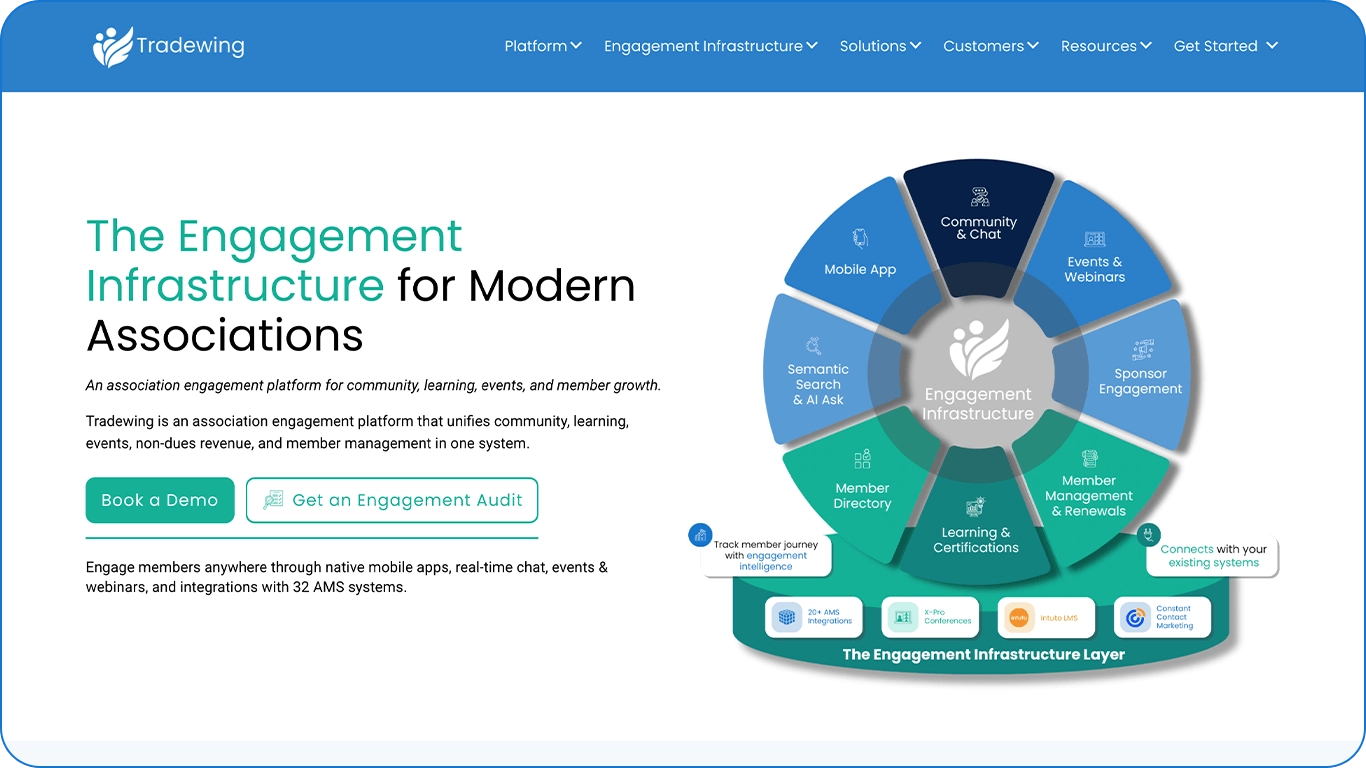
Tradewing is built specifically for associations that want to move beyond a transactional member portal and create a more connected, year-round member experience. The platform helps associations to the needs unique to membership organizations, such as supporting continuing education and non-dues revenue streams (e.g., corporate sponsorships).
Rather than treating community, events, learning, member management, and revenue opportunities as disconnected experiences, Tradewing brings them together through a unified engagement infrastructure. Members have a more consistent place to participate, while association teams gain greater visibility into engagement across the membership journey.
This approach helps associations use their portal as more than a place members visit to renew or update their profile. It becomes an active part of how members connect, learn, participate, and experience value throughout the year.
Key Features
- Community and peer connection: Robust discussion boards encourage organic, ongoing networking and community building.Tradewing gives members dedicated spaces to ask questions, exchange knowledge, and connect around shared interests. Associations can create focused groups for committees, chapters, professional interests, cohorts, and other member segments.
- Integrated events: Tradewing’s event management capabilities feature basic tools and can be used to drive engagement before, during, and after the event. Additionally, you can host all sorts of events, be it a massive in-person gathering or a small, intimate virtual roundtable while connecting event participation to the broader member journey.
- Engagement intelligence: Instead of looking at isolated activity metrics, associations can understand participation across community, events, learning, and other member experiences.The platform provides comprehensive analytical dashboards that track participation across discussions, events, and learning modules. This lets you spot trends immediately and make data-driven decisions to improve member engagement strategies.
- Centralized resource libraries: You can house your premium industry content, whitepapers, learning and certification programs, and other essential training materials in one place.
- Sponsorships and non-dues platform: We can help you connect your sponsors with your members through communities, events, and content, rather than treating sponsorship as a standalone logo placement Additionally, the platform tracks engagement, visibility, and participation to demonstrate clear ROI to your sponsors.
Pricing
Reach out to our team to get a custom quote.

Join It: Best for Straightforward Membership Management

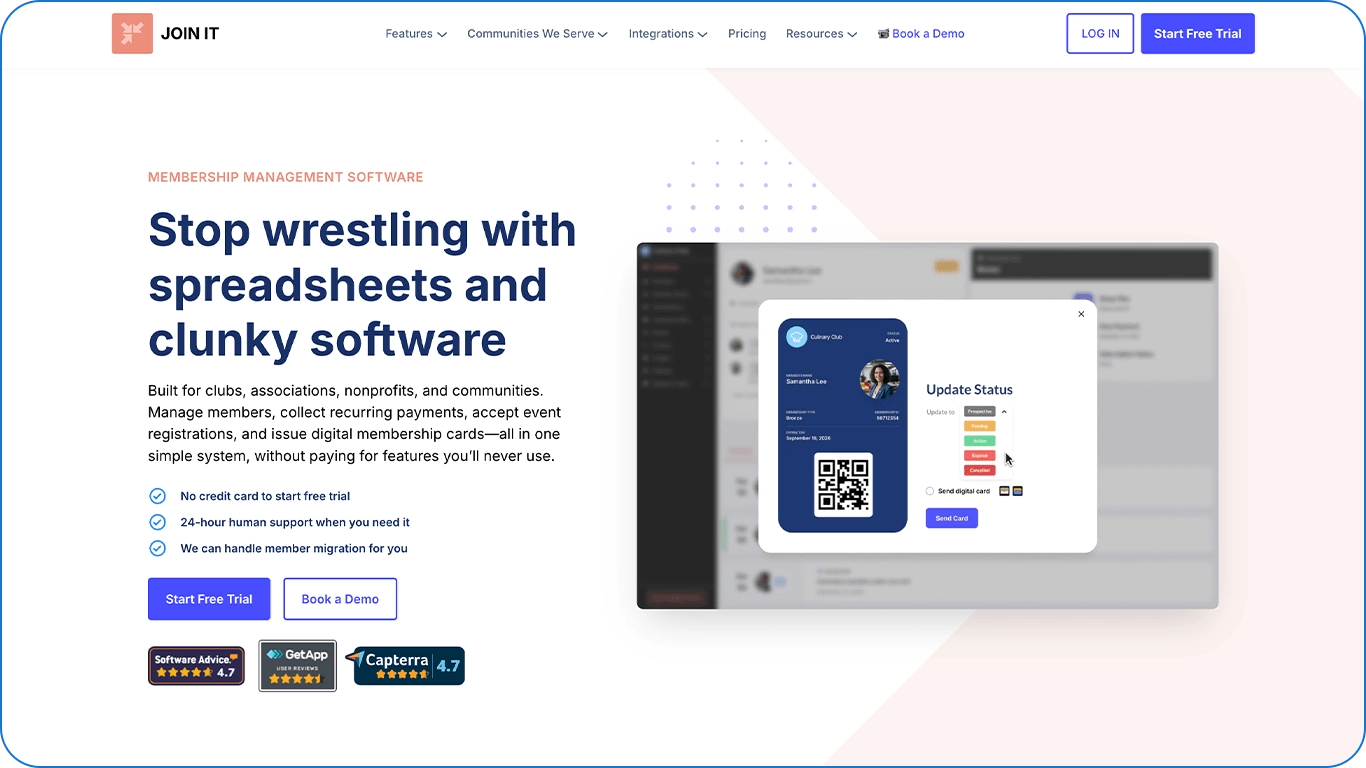
Join It offers a customizable member portal that associations can customize with their logo and brand colors. The portal can also connect to other essential tools, such as CRMs and event management tools, so data is always up to date.
Because Join It serves a broad range of membership organizations, including clubs, nonprofits, and associations, associations with more specialized requirements should consider how well the platform supports their needs for year-round engagement, learning, events, and other member experiences.
Key Features
- Customization options: Join It lets users build their member portal however they like, and portals are optimized for mobile.
- Third-party integrations: The portal connects to other tools, such as Mailchimp, Eventbrite, and Stripe.
- Simple and easy to use: The portal doesn’t require any technical skills to navigate, so all members can use it with ease.
Pricing
Join It’s pricing starts at $29 per month, or $26.10 per month if you choose the yearly plan.
Circle: Best for Community and Course-Based Experiences

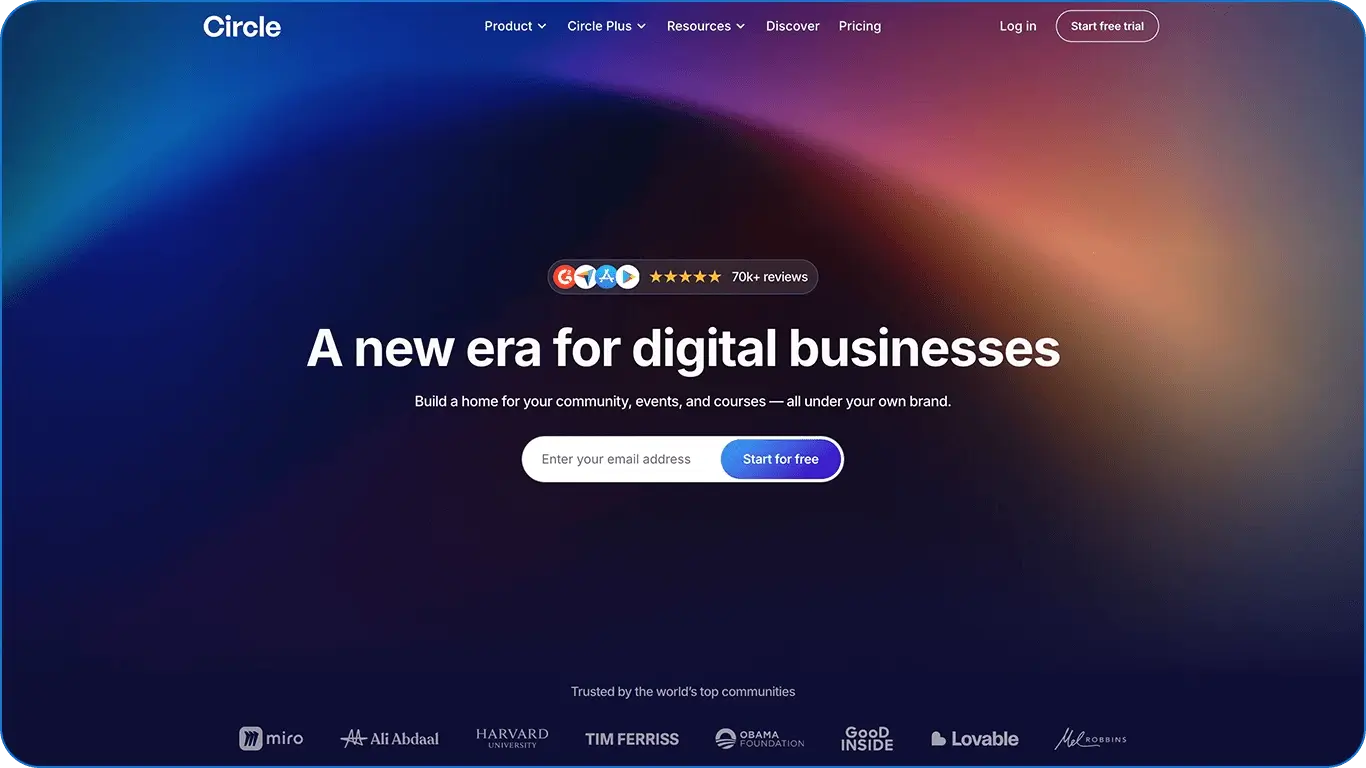
Circle is a good option for organizations that host online courses. Users can build structured classes that members can take at any time, and the platform offers a robust discussion space.
For associations primarily focused on facilitating online conversations and delivering courses, Circle offers a strong set of community-oriented tools. However, because Circle is not built specifically as association management software, associations should consider what additional systems they may need for specialized membership administration, continuing education requirements, or other association-specific workflows.
Key Features
- Built-in LMS: Users can design structured asynchronous courses right on the platform.
- Circle AI: This AI tool can automatically propose a full curriculum.
- Customizable discussion spaces: You can build clean, well-organized community forums that inspire members to engage with one another.
Pricing
Circle’s pricing starts at $89 per month for professionals and $199 per month for businesses.
Glue Up: Best for Multi-Chapter Organizations

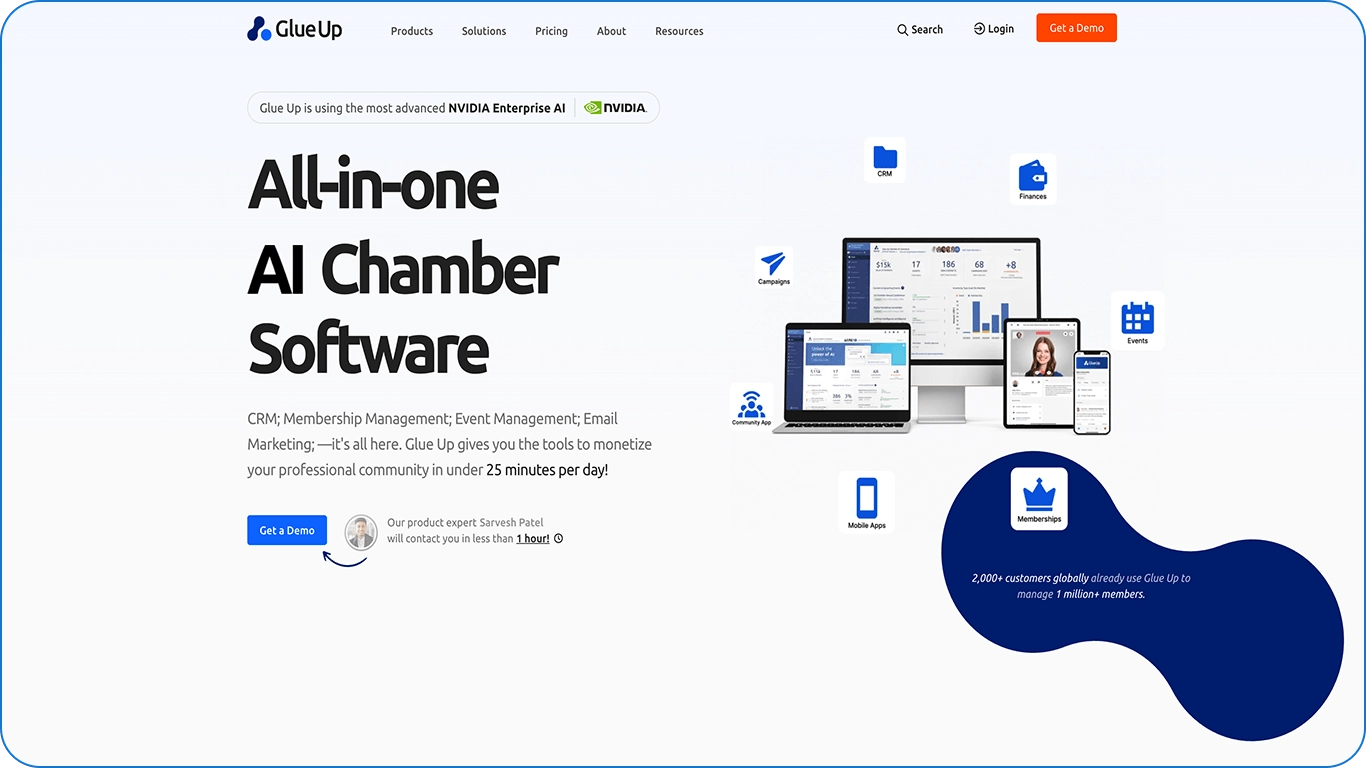
Glue Up’s AMS includes a member portal, event management features, CRM capabilities, and finance tools. Because of its expansive array of functionalities, Glue Up mostly attracts associations, Chambers of Commerce, businesses, and nonprofits with large memberships and multiple chapters. However, the complexity of its features could also potentially be a drawback, as it may present a steep learning curve.
Associations considering Glue Up should evaluate how much of this functionality they need and whether the platform’s breadth aligns with their team’s resources and workflows. A larger feature set can provide flexibility, but it may also require more configuration and staff onboarding.
Key Features
- Multi-chapter management: Users can manage all association chapters on one platform and configure access levels and oversee operations as the organization grows.
- Webinar and CPE/CPD credit management: With Glue Up’s platform, associations can plan, promote, and execute virtual webinars from start to finish.
- Speed networking: The platform has a unique feature that automatically pairs members for short, focused 1-on-1 video meetings.
Pricing
Glue Up’s basic rates range from $3,000 to $6,500 per year. To access its advanced features, pricing ranges from $8,000 to $18,500 per year.
YourMembership: Best For Associations Prioritizing Job Boards

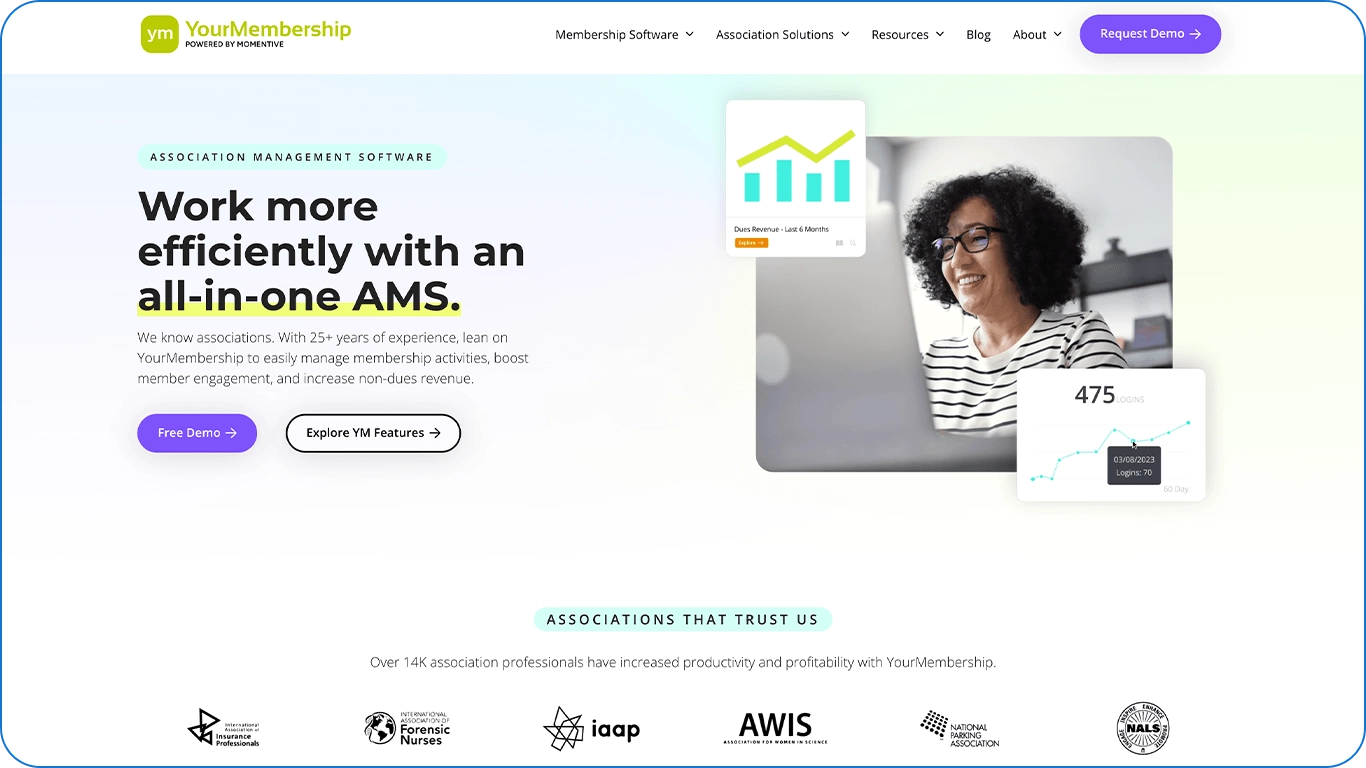
YourMembership is a popular option for small- to mid-sized associations because it offers an extensive array of features for an affordable price. In particular, it’s an all-in-one platform, so organizations can build their website, automate reminders, and operate job boards in one place.
That said, YourMembership’s customization is limited, so associations that have unique workflows or complex dues structures may struggle to implement them. Though the base pricing is competitive, YourMembership customers also have to pay for additional modules, and these costs can add up quickly. Associations with highly customized workflows or engagement requirements should evaluate how well the platform can adapt to their specific needs and what functionality may require additional modules.
For a deeper comparison, explore these alternatives to YourMembership.
Key Features
- Robust job boards: YourMembership powers nearly 3,000 niche job boards, helping professionals secure jobs.
- Easy-to-use member portal: The portal features an intuitive design and layout so that anyone can use it, regardless of their technical skills.
- All-in-one platform: In addition to having a member database, you can create websites and manage events in YourMembership. There are also visual dashboards that give you an overview of your association’s membership health.
Pricing
Contact YourMembership for a custom quote.
Build a Member Portal Members Have a Reason to Return To
The best member portal software does more than give members a place to update their profile or pay their dues. It should make it easier for members to access relevant resources, connect with peers, participate in programs, and experience the ongoing value of your membership.
As you compare platforms, look beyond the number of features available. Consider how well each solution fits into your existing technology stack, how easy it is for members to use, and whether it gives your team meaningful insight into member engagement.
For associations that want to connect community, events, learning, member management, and revenue opportunities, Tradewing provides the unified engagement infrastructure to bring those experiences together.
Check out these additional resources to help you better manage your association: